Chronostamper
Automated Data & Media Processing Pipeline - July 2026
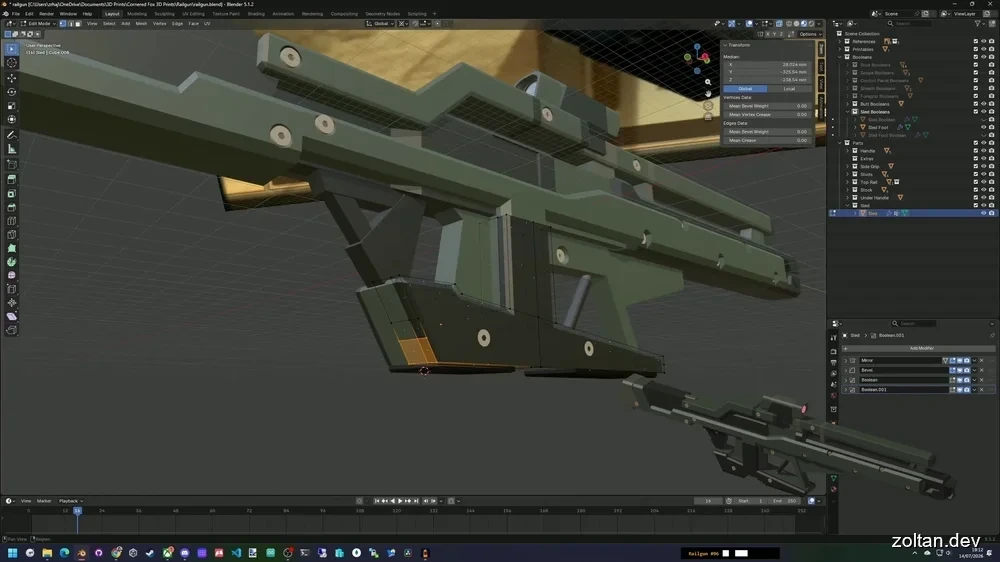
Chronostamper is an end-to-end automated software pipeline designed to capture, synchronize, and overlay 3D models into a 3D modelling workflow timelapse, while avoiding manual asset management and minimising manual video editing. By embedding optical metadata into screen recordings and utilizing high-performance Python-based ingestion servers, the system automatically prunes idle frames and synchronizes real-time 3D model renders with captured UI footage.
1. Blender Hook
A Blender Python add-on was developed that hooks into save events to perform automated, version-controlled file backups.
Manages directory isolation to prevent redundant syncing with cloud storage or local VCS repositories during high-frequency saves.
2. Optical Metadata Taskbar Overlay
A lightweight Windows overlay was built in Python that increments a frame-state counter on each file save, rendering the state as a machine-readable barcode on the system taskbar.
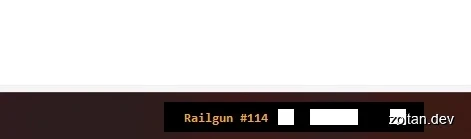
Using a high-contrast visual barcode guarantees robust metadata, ensuring tracking survives video compression, frame-rate scaling, and external video re-encoding.
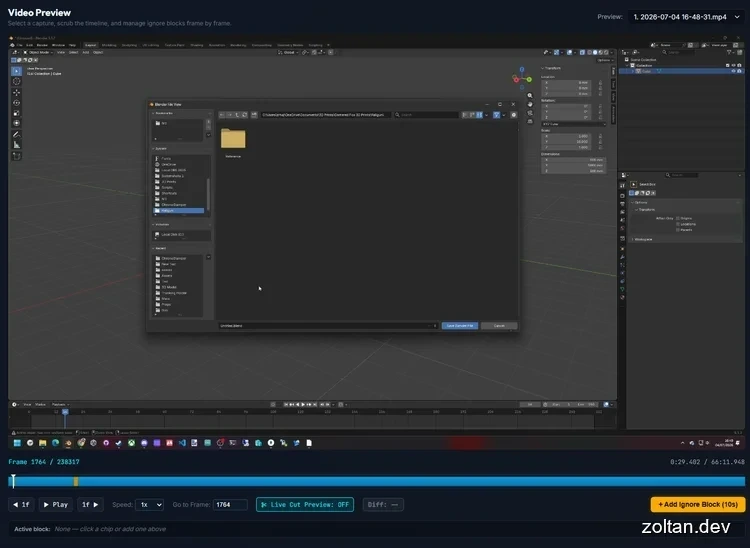
A UI was created to manually “Ignore” sections of video—marking sections of video as frames that should be discarded, such as operating system prompts and file explorer windows.
3. Ingestion & Computer Vision Splicer
A video ingestion server was created that collects raw screen recordings, performs frame-difference analysis, and filters out static frames with less than 0.001% visual delta. This substantially reduces video duration and eliminates idle frames, all with minimal human intervention.

*The colour of the analysis bar represents frame activity, where white areas are minimally active and can be condensed, yellow areas have moderate activity, and red areas have high activity frames that need to be slowed down to maximise viewer comfort.*
4. Synchronized Render Engine
Implemented an automated composite engine that parses taskbar barcodes from the compressed video stream, mapping frame timestamps to exact 3D model revision states.
Renders a synchronized, rotating 3D view of the active model and composites it directly onto the background footage in perfect sync.
All stages have per-project settings that can be tweaked, such as:
- Frame difference threshold
- Desired video duration/timelapse speed
- 3D model overlay positioning and scale
Tools used:
- Python, Blender Python API
- Blender
- ffmpeg
- AMD Ryzen 5950X 32-thread processor
- AMD 9070XT graphics processor